
Speaking
Practise current item types with recording and feedback workflows.
LexiUp PTE features
See how daily missions, item-type practice, answer checking, AI feedback, and saved progress work together.
How the loop works
Open the next recommended mission or choose a focused skill checkpoint.
Work through the task before opening its correction or feedback.
Objective items use answer checking; responses can use practice feedback.
Save the issue, repeat a related task, and keep progress visible.
Practice by skill and item type
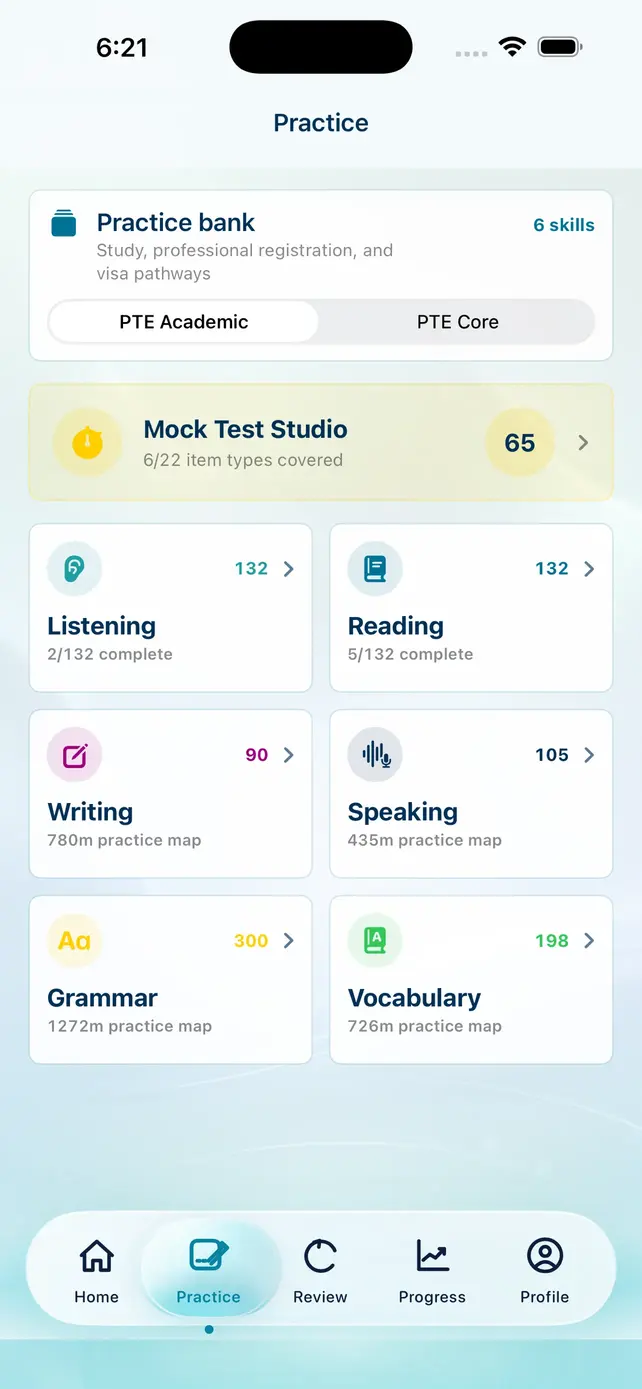
PTE Academic and PTE Core remain distinct inside the practice bank: 957 Academic items and 861 Core items, sourced from one shared product record.
Practise current item types with recording and feedback workflows.
Work through response tasks with practice guidance and checking.
Review meaning, order, grammar, and vocabulary across item types.
Build a repeatable attempt, checking, and correction routine.
Strengthen useful language across Academic and Core tracks.
Repair sentence-level patterns that affect multiple PTE tasks.
Feedback and checking
Objective Reading, Listening, and selected item types use answer checking. Writing and Speaking responses may use task-specific AI practice feedback.
LexiUp feedback supports practice. It is not an official IELTS examiner score or Pearson score report.
Submit or record a response.
Receive task-specific practice feedback.
See evidence from the answer and one focused fix.
Apply the correction and return to related Review work.
Review and progress
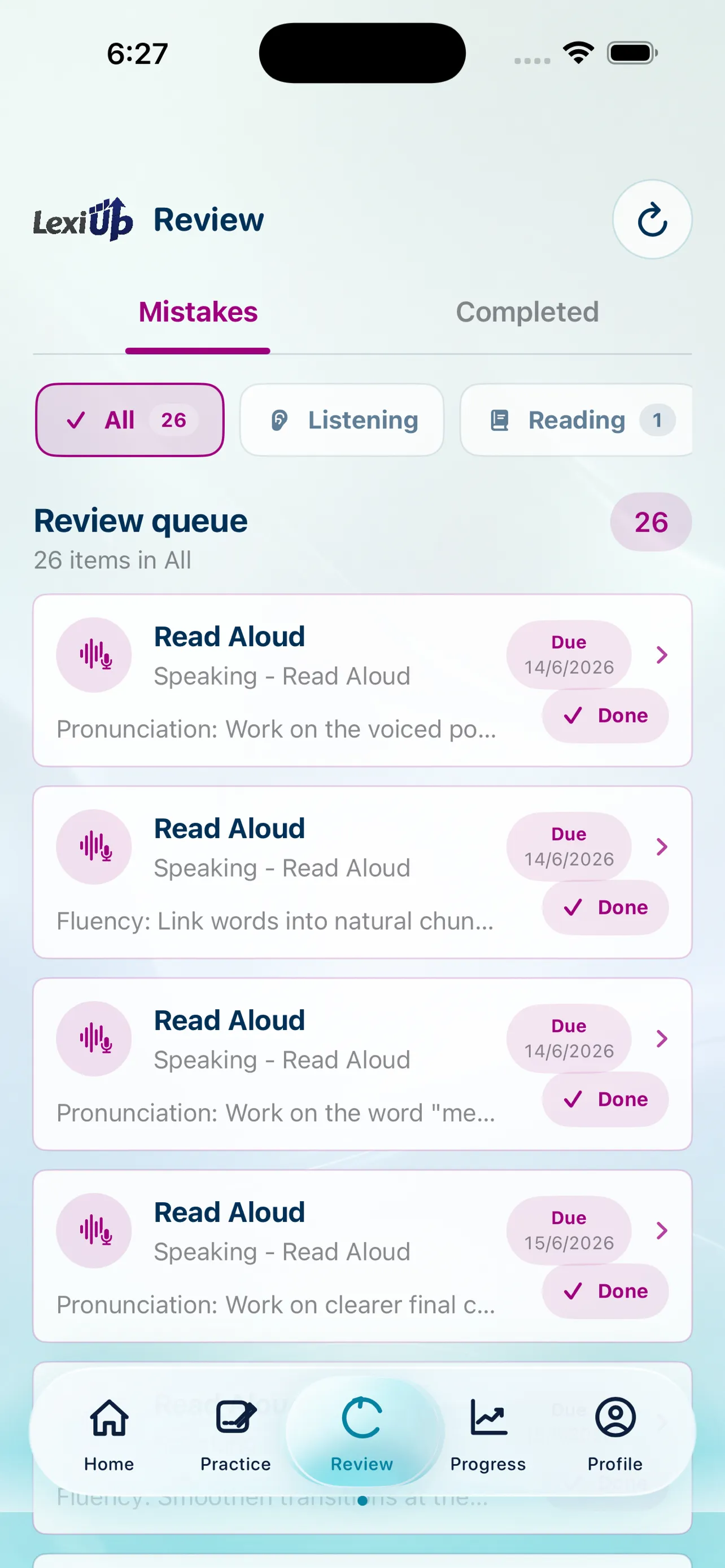
Wrong answers can return through Review, while completed tasks and skill focus stay visible. Progress describes the learner's activity and practice signals; it does not claim an official result.
Return to saved mistakes after the first correction is no longer fresh.
Use a similar activity to apply the correction rather than memorise one answer.
See completed work, progress, and where another checkpoint may help.
Real product tour
Swipe on mobile to explore.
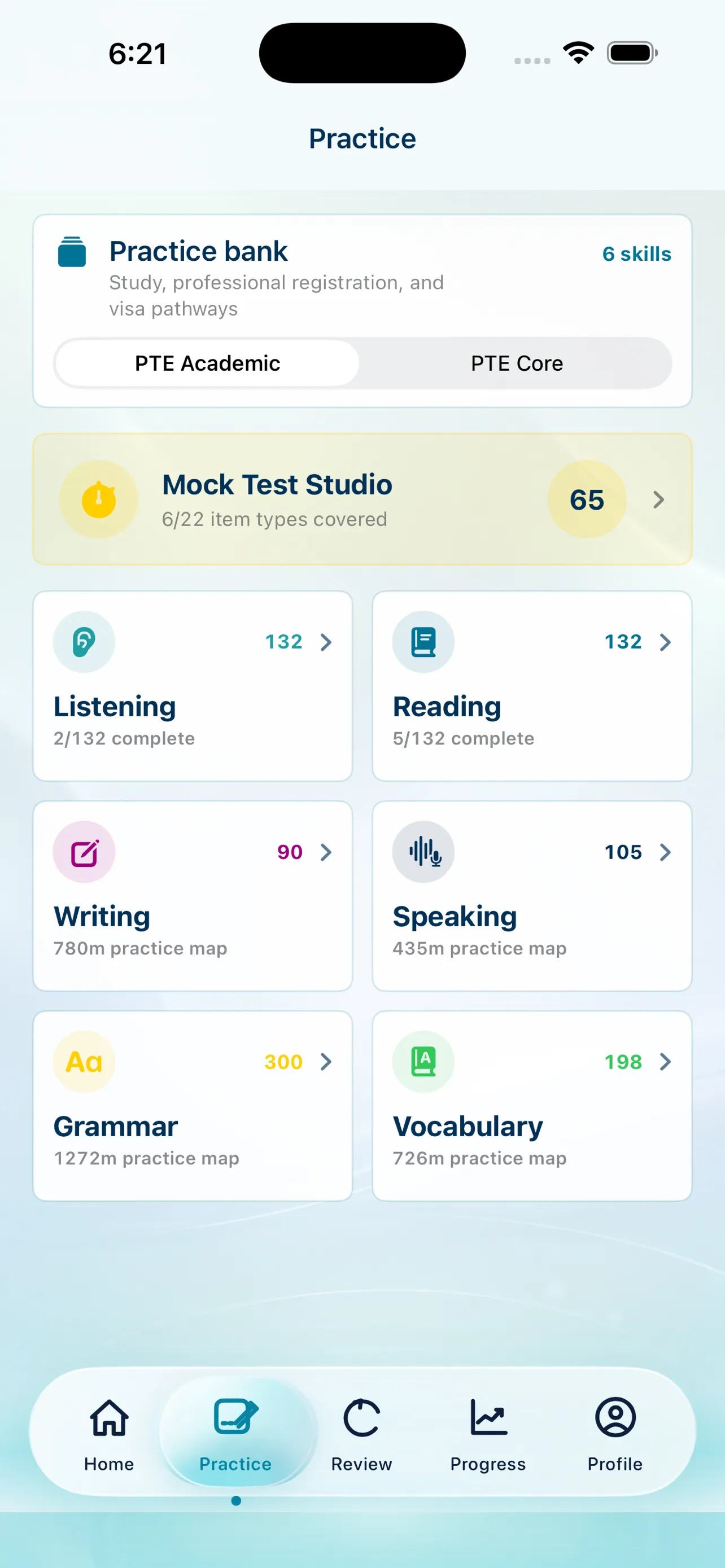
Academic and Core practice stay separated and easy to navigate.
Mistakes return as a clear queue instead of disappearing.
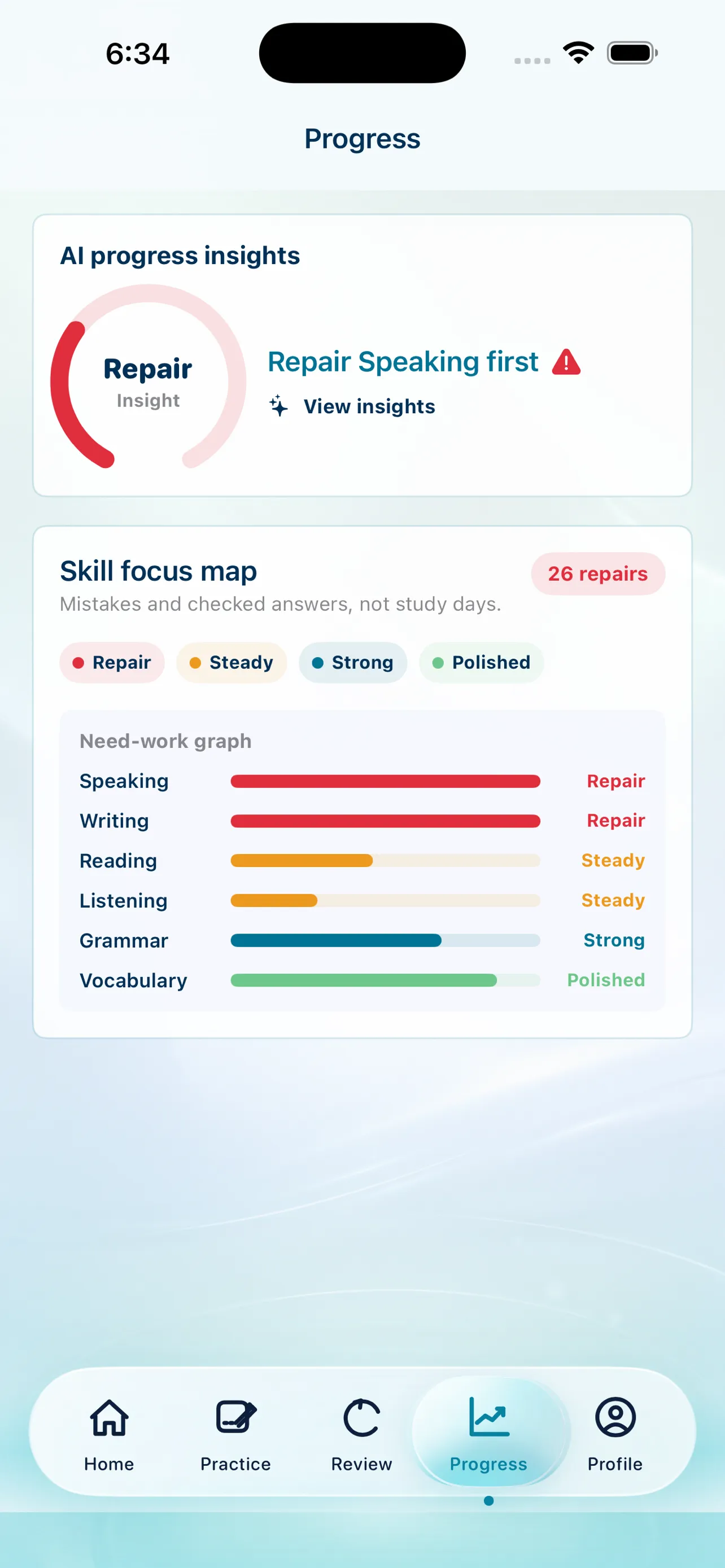
Practice signals show where another checkpoint may help.
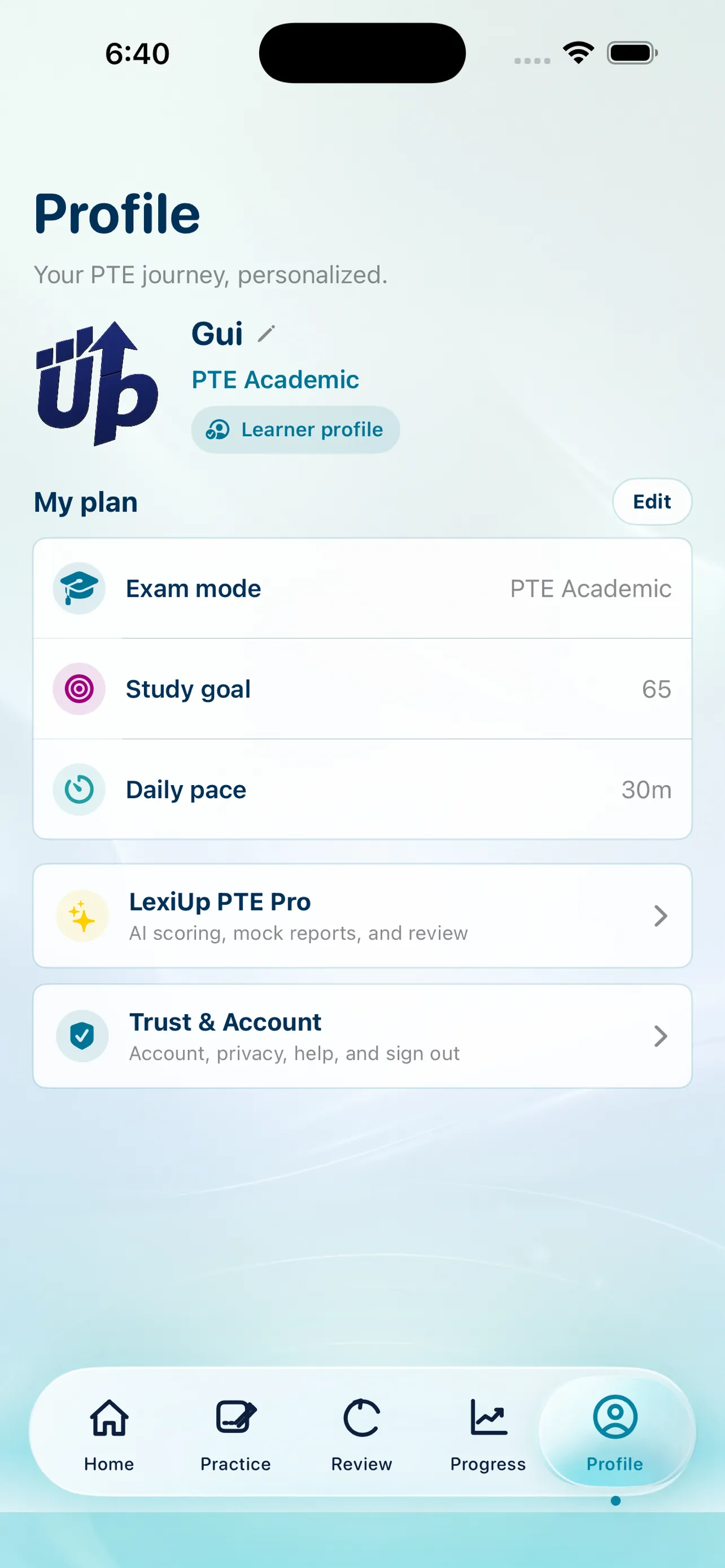
Study preferences and Apple-managed Pro access remain clear.
Continue in the app
PTE Academic + PTE Core. Independent preparation.